
Meeting notes are often useful for five minutes and confusing after that. The problem is not usually the meeting itself, but the gap between raw notes and a clear next step. A simple ChatGPT workflow can help you turn messy notes into decisions, owners, deadlines, and follow-up messages while the context is still fresh.

Quick takeaway: Do not ask ChatGPT to “summarize the meeting” first. Ask it to separate facts, decisions, open questions, and action items. That structure makes the output much easier to review and trust.
Start with the right input
The quality of the result depends on what you give the model. You do not need perfectly formatted minutes, but you should include enough context for ChatGPT to understand the purpose of the conversation.
- Meeting topic and date
- Participants or teams involved
- Raw notes, transcript, or bullet points
- Any known deadlines or constraints
- The format you want at the end
If the notes include sensitive information, remove names, client details, numbers, or internal project codes before pasting them into any AI tool.
Use a structure-first prompt
Instead of asking for a general summary, use a prompt that forces the notes into categories. This reduces vague output and makes errors easier to catch.
You are helping me clean up meeting notes.
Separate the notes into:
1. Key decisions
2. Action items with owner, deadline, and status
3. Open questions
4. Risks or blockers
5. Follow-up message draft

If an owner or deadline is missing, mark it as "Not specified" instead of guessing.
This prompt is useful because it tells ChatGPT not to invent missing details. That one instruction protects you from a common AI mistake: filling gaps too confidently.
Review action items before sending anything
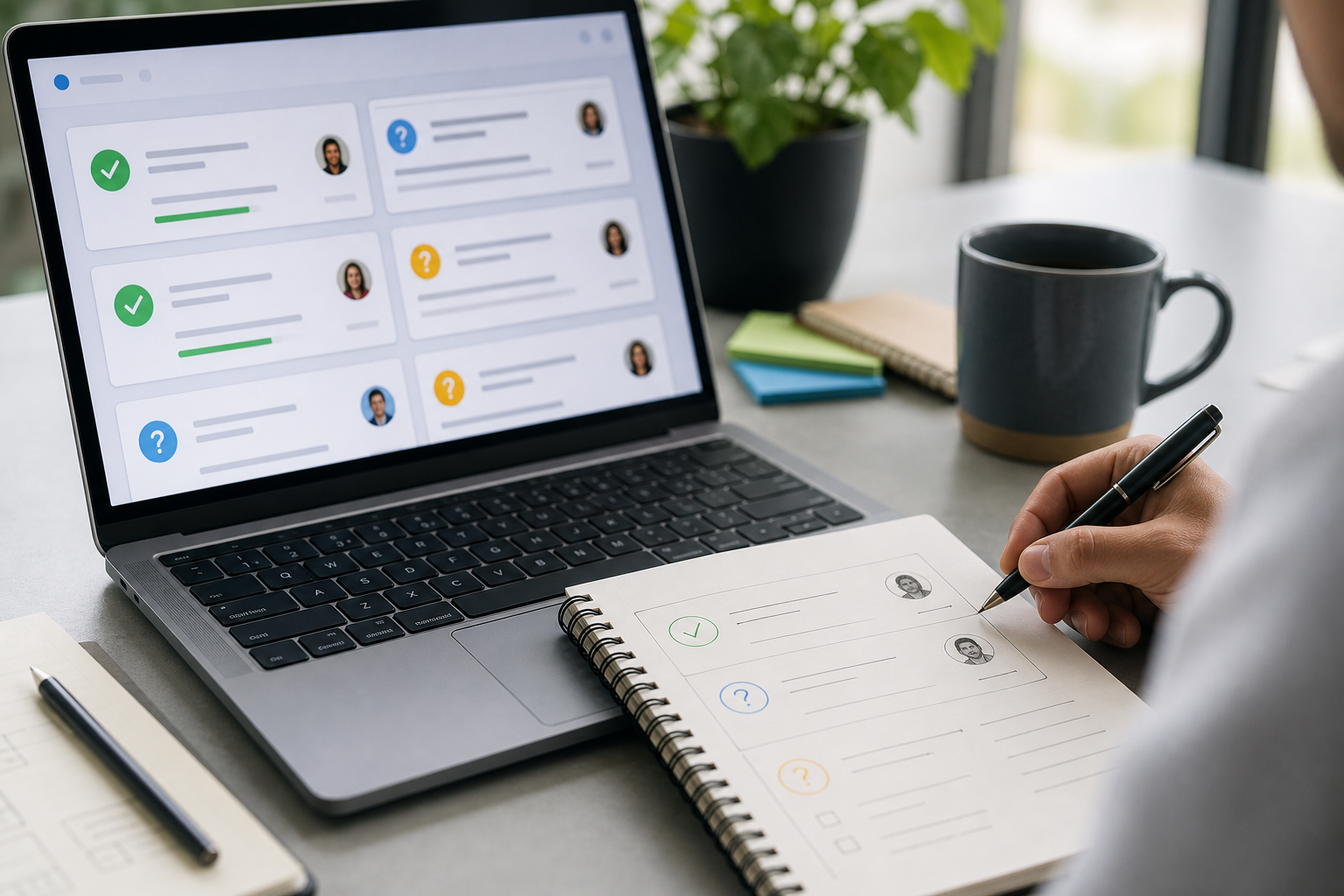
The output should never be copied blindly. Check every action item against the original notes, especially the owner and deadline. If ChatGPT marks something as “Not specified,” that is a signal to clarify it with the team rather than silently deciding it yourself.
- Confirm each decision actually happened.
- Check whether every task has a clear owner.
- Separate urgent tasks from normal follow-ups.
- Remove duplicate or low-value items.
- Add context where the AI summary feels too short.
Turn the result into a follow-up email
Once the action list is correct, ask ChatGPT to draft a short follow-up message. The important part is to keep the tone neutral and the content reviewable.
Draft a concise follow-up email based on the confirmed action items below.
Tone: clear, polite, and practical.
Include:
- 2 sentence meeting recap
- action items grouped by owner
- open questions
- next check-in date if mentioned
Do not add new commitments.
This creates a useful first draft, not a final message. Before sending, adjust the tone to match your workplace and remove anything that feels too formal or too robotic.
When this workflow works best
This workflow is especially helpful for recurring meetings, client calls, project syncs, and internal planning sessions. It is less useful when the conversation includes complex legal, HR, medical, or financial judgment. In those cases, use AI only to organize notes, not to decide what should be done.
A practical rule: let ChatGPT clean the table, but do not let it choose the strategy without human review.
Simple checklist before you finish
- Raw notes cleaned and sensitive details removed
- Decisions separated from opinions
- Each action item has an owner or “Not specified”
- Each deadline is confirmed or marked as missing
- Follow-up email reviewed by a human before sending
ChatGPT is most useful when it reduces friction without replacing judgment. If you use this workflow after every important meeting, your notes become easier to act on, easier to share, and easier to revisit later.
CTA: If you are building a personal AI workflow, save this prompt as a reusable template and test it on your next meeting notes.
Suggested internal links
- How to Save 30 Minutes a Day with a ChatGPT Workflow Checklist
- How to Compare ChatGPT, Claude, and Gemini for Office Work