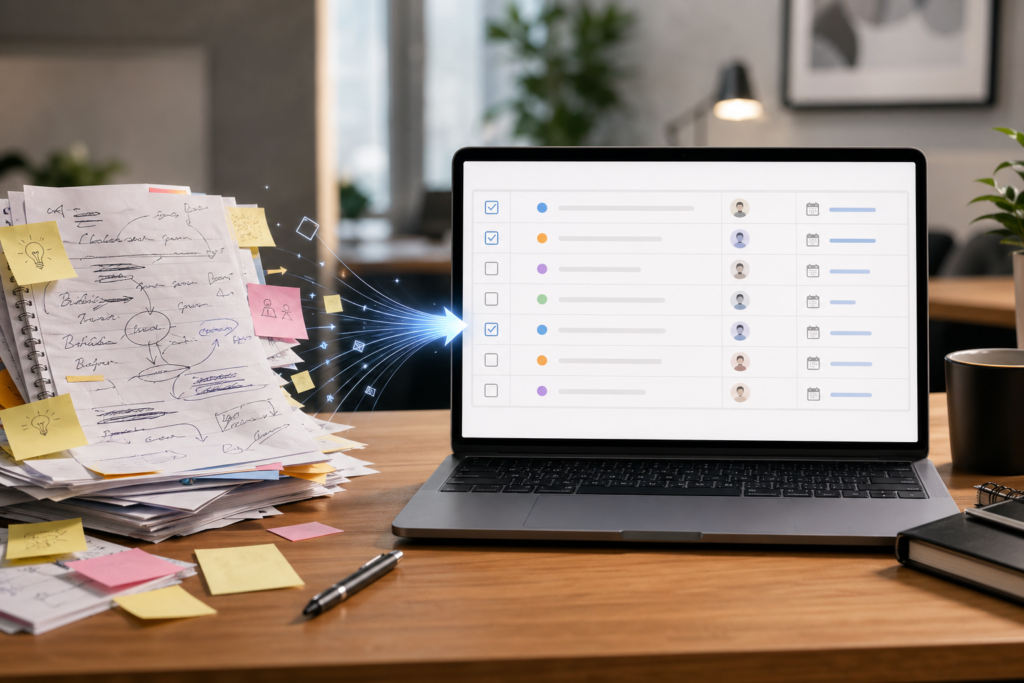
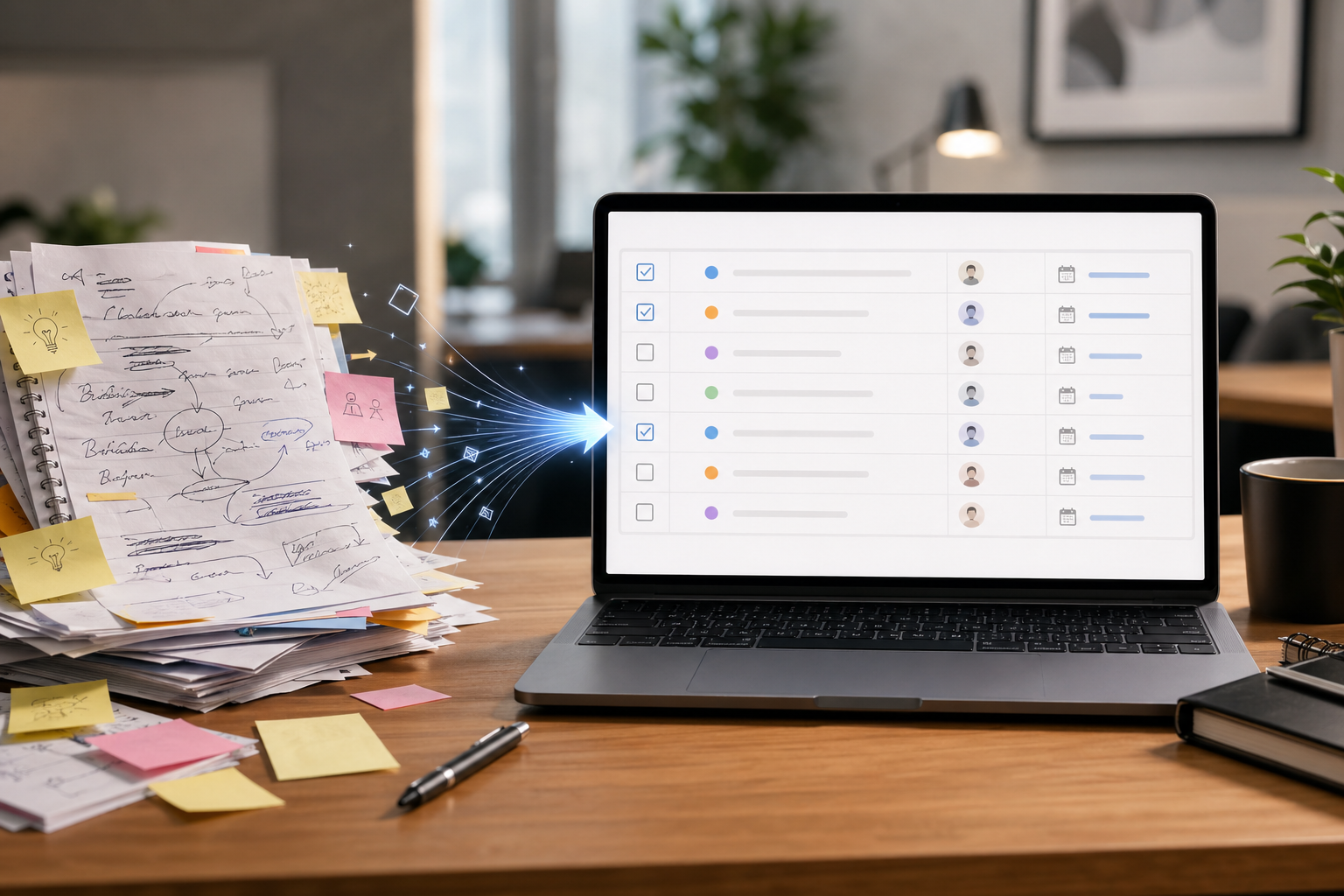
Meeting notes often fail at the exact point where they should become useful. People capture information, but the next actions stay vague or disappear in a long paragraph.
Key points
- Meeting notes become useful when they are reorganized into decisions, open issues, owners, and next actions.
- Good prompts should surface missing owners, dates, and follow-up questions instead of hiding them.
- The value grows when the output flows directly into email or team follow-up.
AI is helpful here because it can reorganize raw notes into decisions, open issues, action items, and owners in a repeatable way.
What to include in the input
You do not need perfect notes. Even rough fragments can work if you include the purpose of the meeting and any known participants.
- The raw notes or transcript excerpt
- The meeting goal
- Known participants or teams
- Any deadline or follow-up date already mentioned
A practical prompt structure
Ask the AI to produce four blocks in order: summary, decisions, unresolved issues, and action items by owner.
- Summary: two to four lines only
- Decisions: what was agreed
- Unresolved issues: what still needs input
- Action items: owner, task, due date, risk if delayed
This structure works well because it matches how people actually follow up after meetings.
A small example
If your notes say “launch delayed, design needs final banner, finance wants revised budget, Min checks vendor quote by Friday,” the AI can turn that into a clean output with separate owners and deadlines instead of one messy sentence.

Prompt example
- “Turn the notes below into decisions, unresolved issues, and action items by owner.”
- “Flag anything that needs confirmation instead of guessing.”
- “Show due dates separately and highlight missing ownership.”
How to improve the result
- Tell the AI to mark assumptions clearly instead of inventing details.
- Ask it to flag missing owners or dates as “needs confirmation.”
- Use the same structure every time so your team gets familiar with the format.
In practice, this workflow matters because teams do not usually fail on note-taking. They fail on follow-through. If AI helps you make the next action, owner, and deadline visible right after a meeting, the notes stop being passive records and start becoming operating material.
Related reads